
Input block
Collects information from the reader with a label, one input element and an optional hint.
| Type | input |
| Available in | Modals, Home tab |
| Compatible block elements | Checkboxes element, Date picker element, Datetime picker element, Email input element, File input element, Multi-select menu element, Number input element, Plain-text input element, Radio button group element, Rich text input element, Select menu element, Time picker element, URL input element |
Fields
Section titled “Fields”| Field | Type | Description | Required? |
|---|---|---|---|
type |
String | The type of block. For an input block, type is always input. |
Required |
label |
Text object | A label shown above the element, as a plain_text text object. Maximum length for the text in this field is 2000 characters. |
Required |
element |
Object | One of the compatible elements. | Required |
dispatch_action |
Boolean | When true, using the element sends a block_actions payload right away instead of waiting for the modal to be submitted. Can’t be used with file_input. Defaults to false. |
Optional |
block_id |
String | A unique identifier for the block. If not specified, one is generated. Use it to tell which block a block_actions payload came from. Maximum length is 255 characters. It must be unique within the message or view — a duplicate is replaced and reported as a warning. |
Optional |
hint |
Text object | Lighter text shown below the element, as a plain_text text object. Maximum 2000 characters. |
Optional |
optional |
Boolean | When true, the element may be empty when the reader submits. Defaults to false. |
Optional |
Examples
Section titled “Examples”A multi-line text input
Section titled “A multi-line text input”This example belongs in a modal view — the screenshot shows it in a modal.
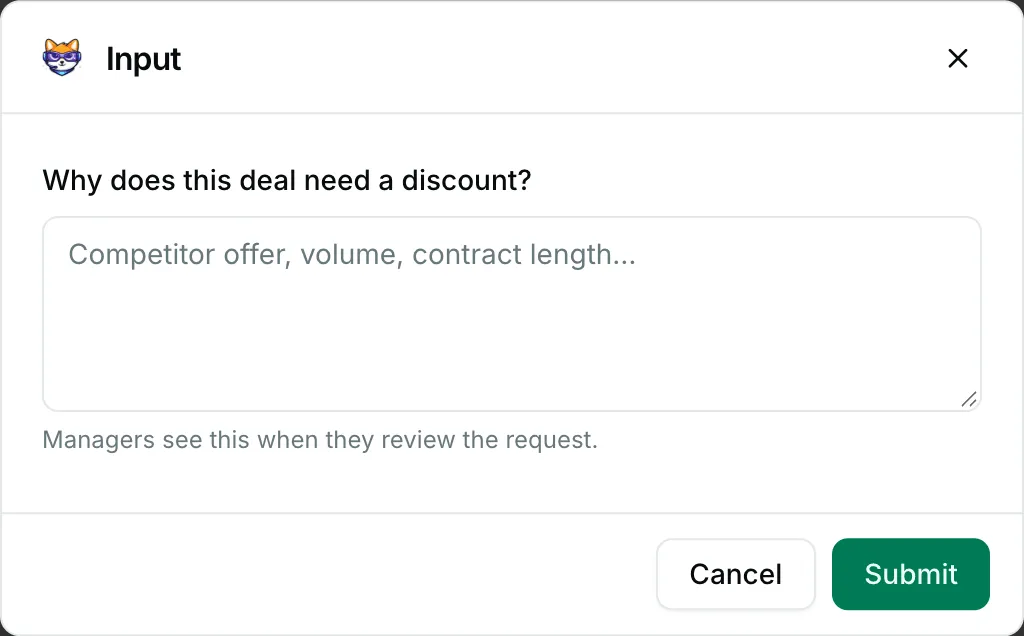
{ "blocks": [ { "type": "input", "block_id": "reason", "label": { "type": "plain_text", "text": "Why does this deal need a discount?" }, "element": { "type": "plain_text_input", "action_id": "reason_text", "multiline": true, "min_length": 20, "placeholder": { "type": "plain_text", "text": "Competitor offer, volume, contract length…" } }, "hint": { "type": "plain_text", "text": "Managers see this when they review the request." } } ]}An optional select menu
Section titled “An optional select menu”This example belongs in a modal view — the screenshot shows it in a modal.
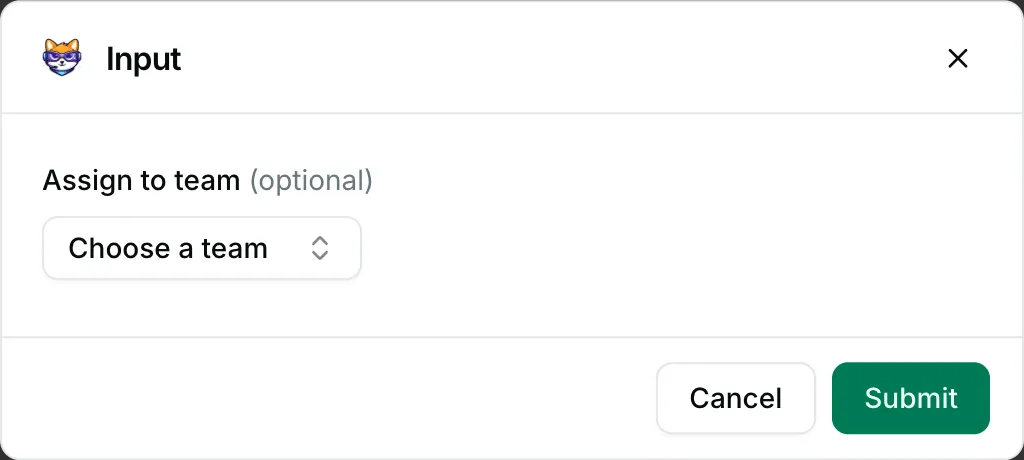
{ "blocks": [ { "type": "input", "block_id": "team", "optional": true, "label": { "type": "plain_text", "text": "Assign to team" }, "element": { "type": "static_select", "action_id": "team_select", "placeholder": { "type": "plain_text", "text": "Choose a team" }, "options": [ { "text": { "type": "plain_text", "text": "Billing" }, "value": "billing" }, { "text": { "type": "plain_text", "text": "Technical support" }, "value": "technical" }, { "text": { "type": "plain_text", "text": "Onboarding" }, "value": "onboarding" } ] } } ]}A number input
Section titled “A number input”This example belongs in a modal view — the screenshot shows it in a modal.
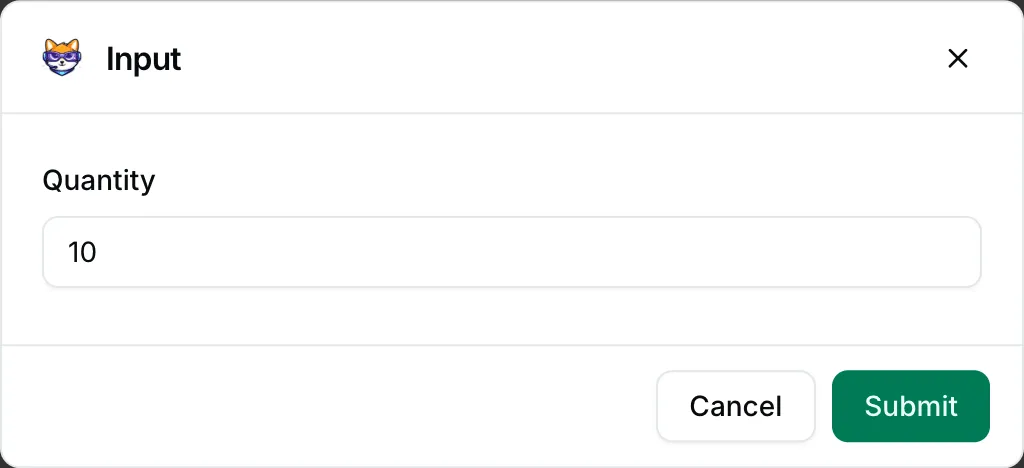
{ "blocks": [ { "type": "input", "block_id": "quantity", "label": { "type": "plain_text", "text": "Quantity" }, "element": { "type": "number_input", "action_id": "quantity_value", "is_decimal_allowed": false, "min_value": "1", "max_value": "500", "initial_value": "10" } } ]}